
 Creating accessible digital content that can be used by all students is the responsibility of everyone who creates Canvas course content. Accessible digital content has benefits for all students, and especially for students with disabilities.
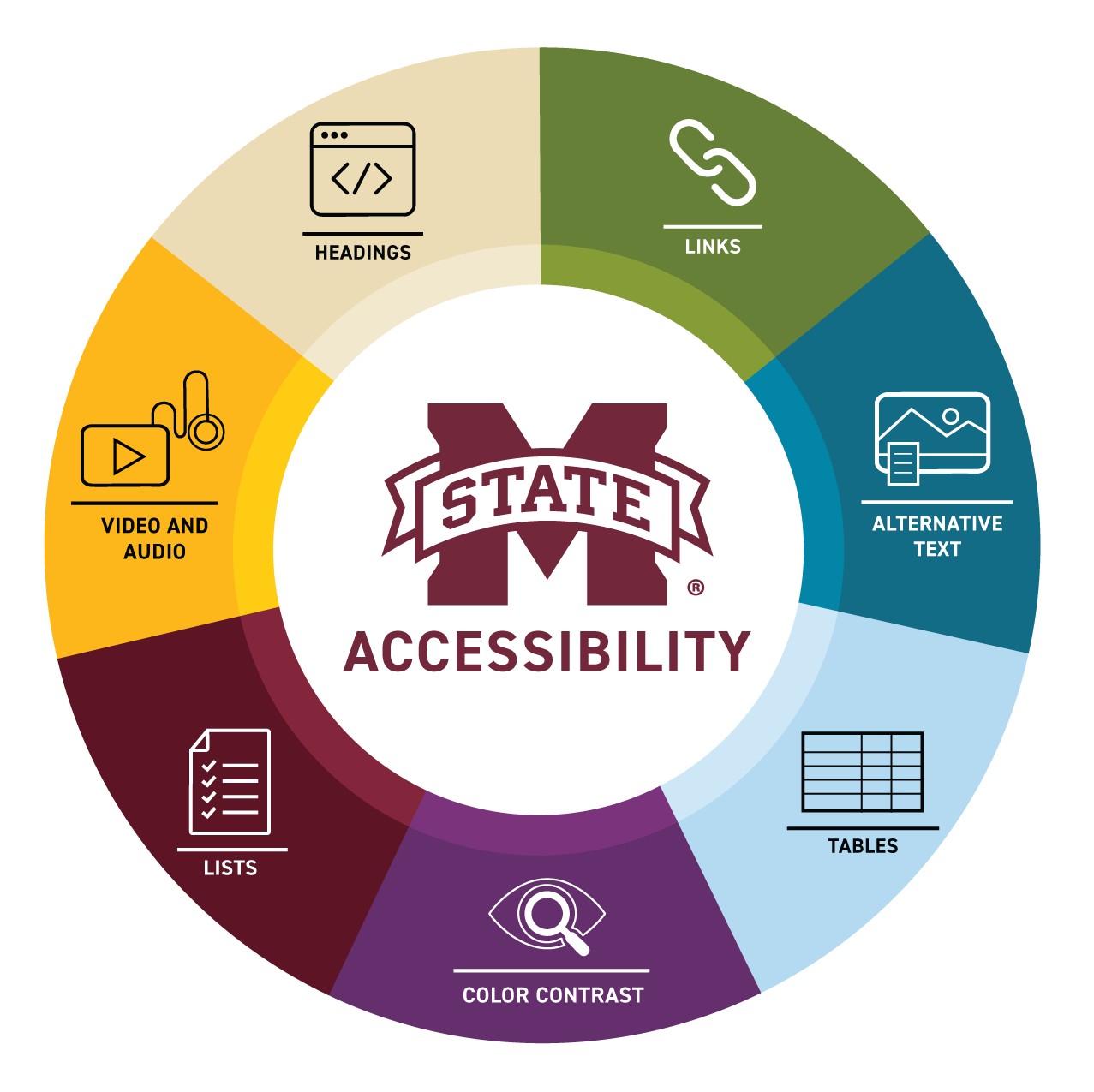
Creating and editing in Canvas with a digital accessibility focus may feel unfamiliar at first, but this approach is an extension of inclusive and equitable teaching practices that you likely already have in practice in your class. Focusing on seven core skills will enable you to create content that helps cultivate a more accessible, inclusive, and equitable digital environment at MSU.
Learning these skills is quick and applying them to your Canvas pages addresses several of the most common accessibility issues that people with disabilities encounter. If you haven't previously considered accessibility when designing courses, start small, and build from there.
These are the areas where you can apply quick fixes and have a huge impact on the accessibility of your Canvas content:
Join conversation - General | MSU Accessibility | Microsoft Teams code: lgg13ty